Tangem — your vault
Cold storage for long-term holdings. With seedless setup, backup cards protect access; a notebook cannot recreate lost Tangem cards.
Order TangemKeys & Security
Keys to your vault. A backup plan that stays with you.
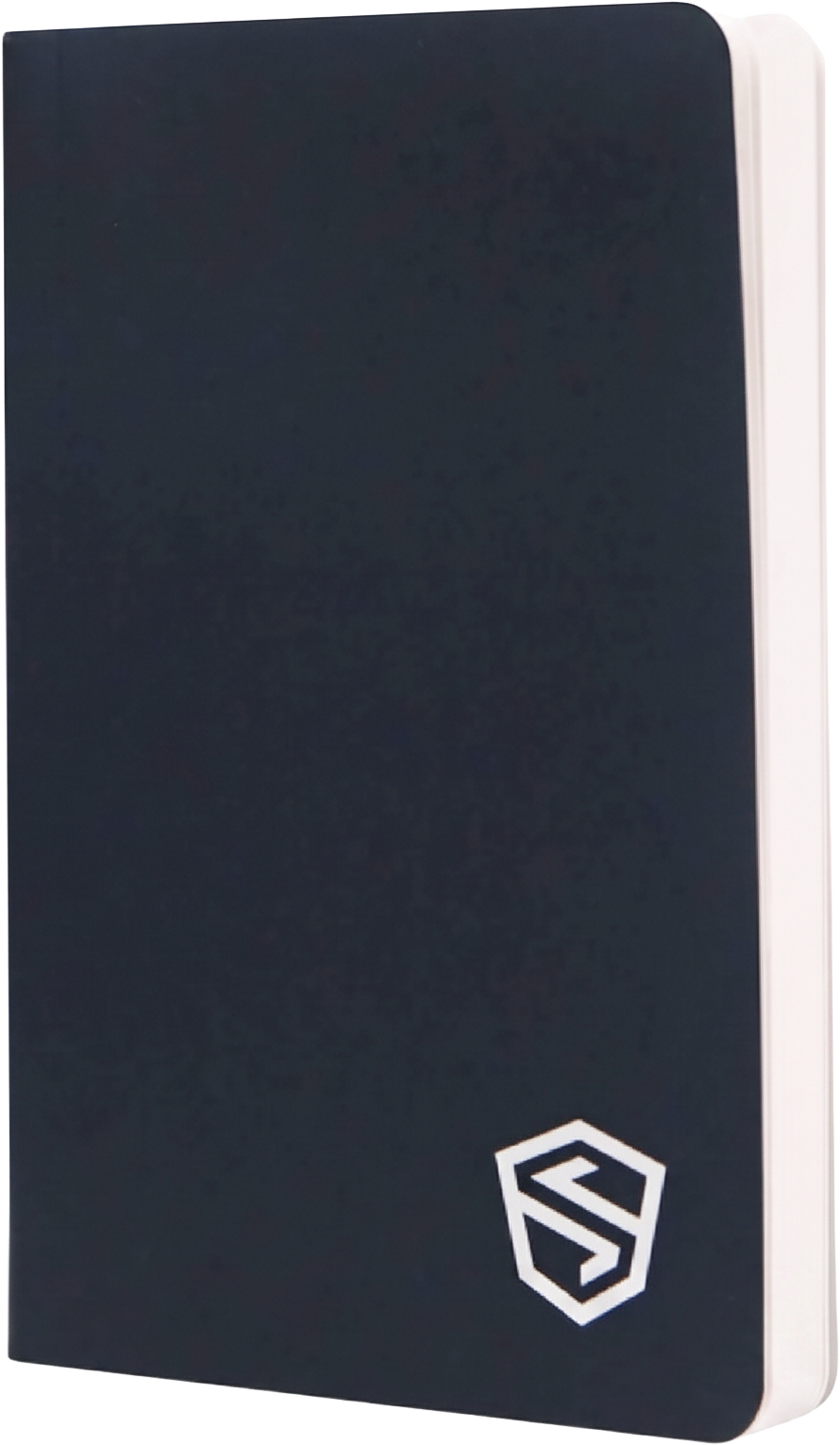
The Stonebook recovery-phrase notebook from Shield Folio gives your wallet backup a physical home. Kenneth helps you use it safely alongside your hot wallet and Tangem cold wallet.
Guided setup: $199, one-time. Tangem and Shield Folio are purchased separately.
Numbered entries help keep recovery words in order. Water-resistant protection is useful; secure storage is still essential. Anyone who can read a recovery phrase can control its wallet.
One system · distinct roles
Cold storage for long-term holdings. With seedless setup, backup cards protect access; a notebook cannot recreate lost Tangem cards.
Order TangemRecord phrases only for wallets that generate them. Keep wallet names and a recovery plan organized, without storing cards alongside credentials that unlock them.
$21 in Bitcoin to start. Sent after your setup is complete, not for buying a notebook alone.
Your guided setup
Order your Tangem and Shield Folio separately, then book a session after they arrive. Bring your phone and a pen. Choose a private place with no recording or screen sharing of secrets.
We match your hot wallet to everyday expenses and usage: BixPay where available, with Exodus as the backup. You install the official app and control your own account.
We explain seedless and optional seed-phrase setup before you choose. You activate the wallet in the official Tangem app and complete backup across your Tangem cards before funding it.
If your wallet creates a recovery phrase, write it privately in Shield Folio and check its order yourself. Seedless Tangem has no phrase to write: its backup is the cards, while Shield Folio organizes your recovery plan. No photos, uploads, or cloud copies.
Confirm your backup card works. Keep cards and any written credentials separately, and choose a secure location for your notebook. Never delete or reset a wallet just to test recovery.
$21 in Bitcoin, sent to your new wallet once setup is complete — one dollar for every million Bitcoin that will ever exist. We confirm the Bitcoin network and your public receiving address together; you confirm receipt in your wallet.
We never ask for or collect recovery phrases or private keys. You handle all secret entries privately.
$34.95 USD · listed retail price
20% off with code Kennethfrancis. If applied to $34.95, that is $27.96 before any shipping or taxes. Seller pricing, availability, and coupon terms may change; confirm your total at Shield Folio checkout.
Purchased from Shield Folio, not from My Wallet Setup. International duties may apply. Shipping is confirmed by the seller at checkout.
Order Shield Folio$199 USD · one-time
Guided hot-wallet, Tangem, and Shield Folio setup; $21 in Bitcoin to start; and The Unbankables for live sessions, support, and asset strategies.
The physical Tangem device and Shield Folio notebook are not included in the $199 service.
Kenneth earns a referral commission on qualifying partner purchases. Specifications and listed price checked against Shield Folio’s product listing on October 12, 2026.